25BD Login — sign in to your account directly with your mobile number
Enter your registered mobile number and password. If you run into trouble, the fixes are below.
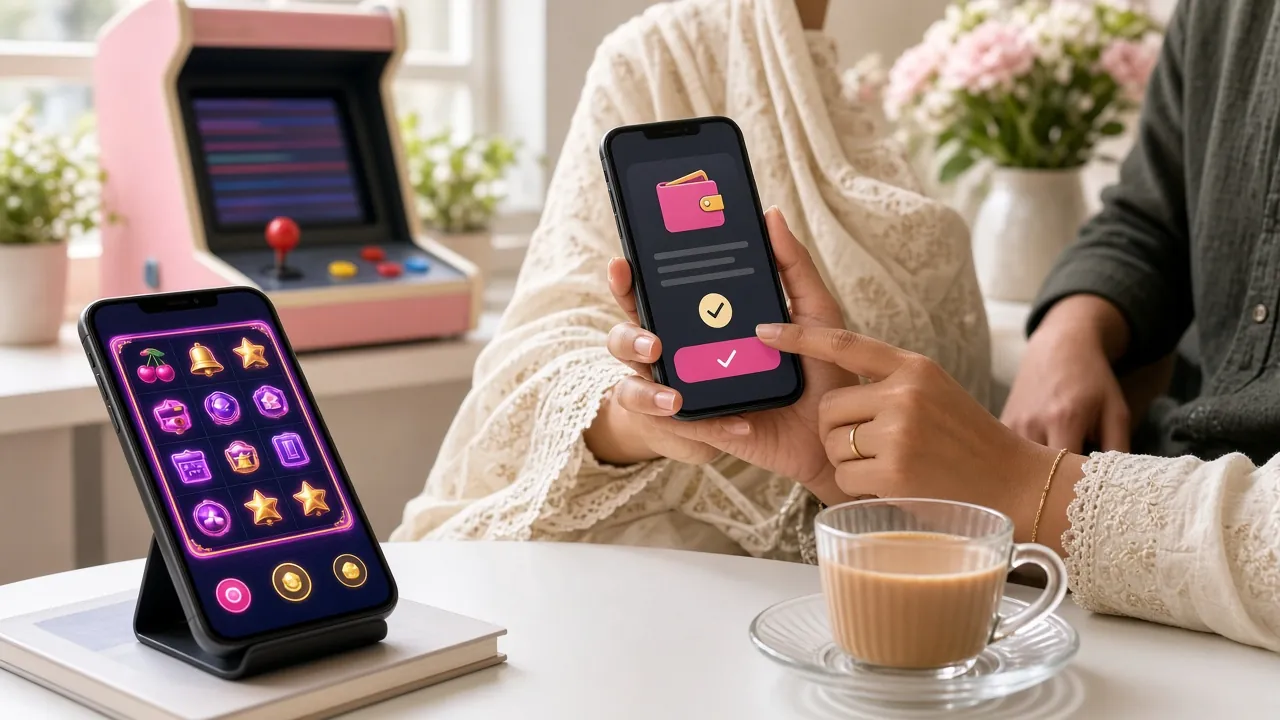
Login steps: web and App — two routes, one account
You can get in through the browser or the 25BD App. Both flows are laid out separately below.
Logging in from the browser
-
1
Type the address
Type 25bd.vin in the browser address bar. If you have it bookmarked, just tap that. Use the URL directly to avoid phishing.
-
2
Go to the login page
Click the "Login" button at the top right of the home page. You'll land straight on the /25bd-login/ page.
-
3
Enter your mobile number and password
Type the 11-digit number you gave at registration and your password. Tick "Remember me" and it will fill in automatically next time.
-
4
Tap "Log In"
The button takes you straight to the games lobby. Most of the time it takes under 5 seconds.
Logging in from the 25BD App
-
1
Download the App
If you haven't installed it yet, grab the APK from the App page. The file is only 45 MB and runs on Android 7.0 or above.
-
2
Open the App
After installing, tap the icon. On the first launch it opens straight to the login screen.
-
3
Enter your mobile number and password
Same details as the website — the mobile number and password you registered with. If fingerprint or face lock is set up on your phone, you can use that too from then on.
-
4
Tap the "Sign In" button
App login usually loads faster than the browser because the cache is already saved. Get into the lobby and start playing.
Three ways to log in: which one suits you
Mobile number, username, or straight into the App — the pluses of each and when to pick which.
With mobile number
- Speed
- Fast — if you know the number, an OTP option works even without the password.
- Best for
- When you're on a new device or can't recall which number you used.
- Watch out
- Keep the number you registered with active. If you change your SIM, tell support.
With username
- Speed
- Just as fast, but you have to remember the username.
- Best for
- You play regularly on the same device and browser autofill is switched on.
- Watch out
- You have to set the username in your account profile. By default only the number works.
From inside the App
- Speed
- Fastest — if the session is still saved, you don't have to enter your details again.
- Best for
- You play every day and the App is installed on the same phone.
- Watch out
- Keep the App updated to version 3.7.4. Older versions can cause session problems.
Can't log in? Problems and fixes at a glance
These six problems come up most often. Once you know the cause, you can usually fix it yourself.
| Problem | Likely cause | Quick fix |
|---|---|---|
| Password shows as incorrect | Caps Lock is on, or the password you registered with was different. | Turn off Caps Lock. Tap the eye icon to check what you have typed. |
| Account temporarily suspended | After 5 wrong passwords in a row, the account locks for 15 minutes. | Wait 15 minutes or contact 24/7 live chat. |
| OTP not arriving | Message network delays in Bangladesh, or the SIM is not active. | Wait 60 seconds, then tap "Resend". Check your spam folder too. |
| Page won't load | Weak mobile data connection or a DNS issue. | Switch to Wi-Fi, or clear your browser cache and try again. |
| "No account found" message | The account was registered with a different mobile number. | Use the exact number you registered with. If you are not sure, tell live chat. |
| App keeps crashing | An old version, or a phone running below Android 7.0. | Download the latest APK (v3.7.4) and reinstall it. |
If none of the above fixes it, contact 24/7 live chat. Replies usually take 2–5 minutes.
Forgot your password? Get it back in 3 steps
You can reset it yourself as long as your registered mobile number is active.
-
1
Click the "Forgot password?" link
There is a "Forgot password?" link below the login form. Clicking it opens the password reset page.
-
2
Enter your registered mobile number
Enter your registered 11-digit number. A 6-digit OTP will be sent by SMS within 60 seconds.
-
3
Set a new password
Once the OTP is verified, type your new password twice. Use at least 8 characters, including one number and one special character.
Not getting the OTP?
-
Wait 60 seconds Network delays can slow the message down. Don't tap "Resend" before that.
-
Check that your SIM is active Turn off flight mode. Try another network (Wi-Fi calling).
-
If messages are blocked Some phones send SMS from unknown numbers to a separate folder. Check "Message filter" in settings.
-
Still nothing? Use live chat Contact 24/7 live chat. They'll verify your identity and reset it manually.
25BD App vs browser: which is more useful
Same account on both — the difference is convenience and situation. Use the comparison below to decide.
| Feature | 25BD App (v3.7.4) | Mobile browser |
|---|---|---|
| Login speed | 1–2 seconds if the session is saved | Loads every time, 3–5 seconds |
| Mobile data use | Low — cache is saved in advance | Comparatively higher, resources reload each time |
| Push notifications | Get bonus and deposit updates | No notifications |
| Installation needed | A 45 MB APK has to be downloaded | Nothing to install |
| Biometric login | Fingerprint / face lock | Not supported |
| Android version | Android 7.0 or above | Runs on any modern browser |
| Best for | Daily players who want quick access | Casual players who don't want to install anything |
If you want the App, go to the 25BD App page and download the APK directly. The full install guide is there too.
Common questions about login
The questions players ask us most, all collected here.
What do you need to log in to 25BD?
Just the mobile number and password you set at registration. No extra software to install and no email verification to pass. You can log in straight from your browser at 25bd.vin, or download the App and log in there. With the right number and password you're usually inside the game lobby within ৫ seconds.
How quickly can a forgotten password be reset?
Tap the "Forgot password?" link on the login page and enter your mobile number — the OTP arrives within ৬০ seconds. Set a new password with that OTP and you're done; the whole process takes less than ৩ minutes. If your SIM isn't active, contact ২৪/৭ live chat.
How long does a login session stay active?
With "Remember me" switched on, the browser keeps you logged in for a long stretch. The App usually stays logged in the next time you open it too. For security, though, you're logged out automatically after a long idle period. On a shared device it's safer not to tick "Remember me".
Can I log in to 25BD on several devices at once?
Yes — the same account can be logged in on your phone and in a browser at the same time. You can't run the same game in both places at once, though; close one session before starting the other. For safety, review your sessions if you log in from a device you don't normally use.
What should I do if I get an "account not found" message at login?
Most of the time the account was registered with a different mobile number. Try the other numbers you have. If that still doesn't work, you may need a new account — go to the registration page, open one free and start with a deposit from ৳২০০.
What should I keep in mind for a safe login?
Type the 25bd.vin address directly — search results can throw up fake sites. Keep your password at least ৮ characters long and never share it. Avoid logging in on public Wi-Fi. If you use the App, turn on biometric lock — it's the safest option.
- SSL Encryption
- 18+
- 24/7 Support
- bKash
- Nagad
- Rocket
- Upay